01 / 01
From Sketch to Render
Select an item on the board, pick an AI persona and describe the change. The result lands next to its source, tagged with the persona that made it, so every iteration stays traceable.
AI + Creative Tech · 2026
Product design · UX/UI · User research · Prototyping
Pamoja is an infinite whiteboard for industrial designers. Sketches, references, notes, colour swatches and 3D models sit side by side, and AI personas turn any selection into variations or renders directly on the board. Shaped through user research with 30+ participants and built as a working prototype.
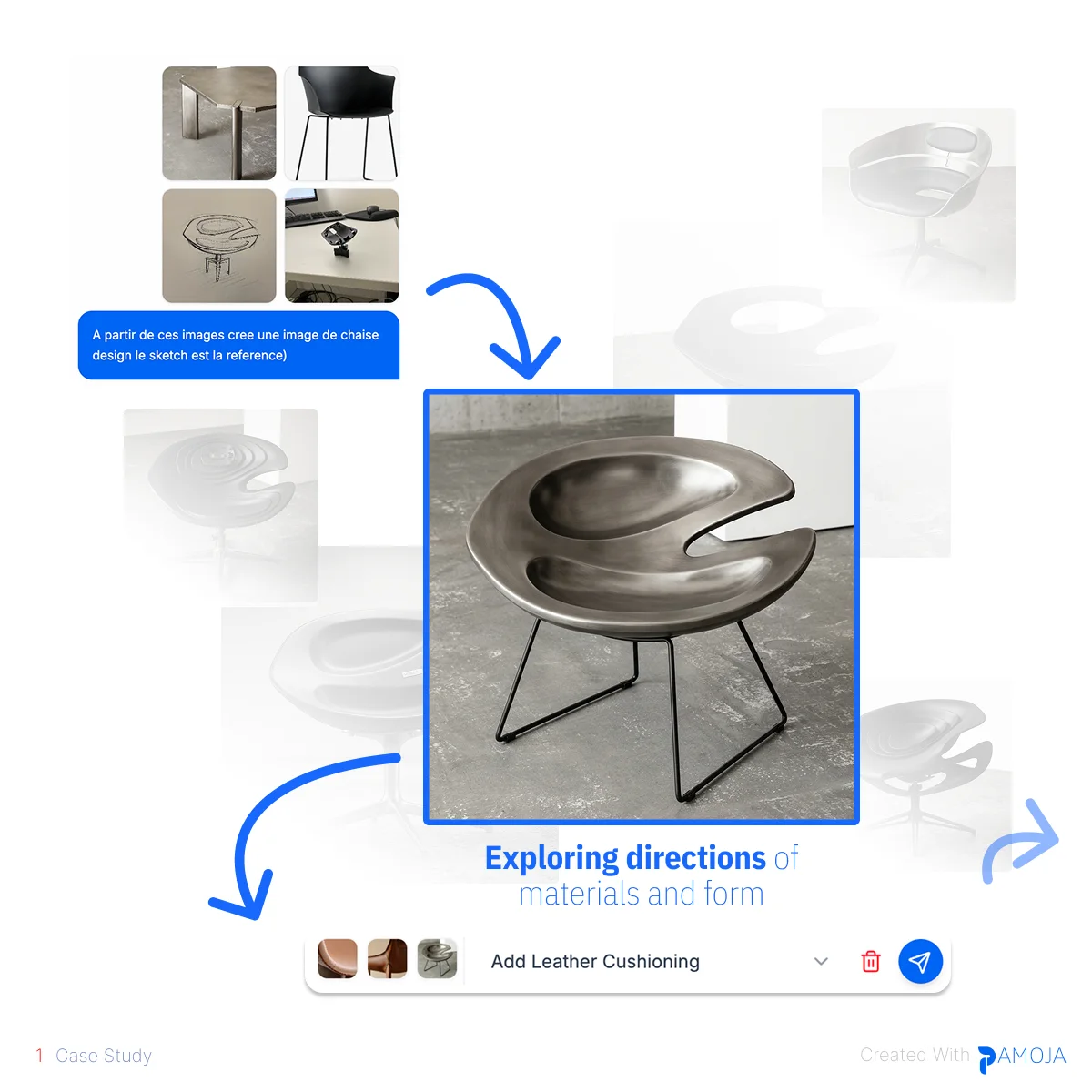
Select an item on the board, pick an AI persona and describe the change. The result lands next to its source, tagged with the persona that made it, so every iteration stays traceable.
Use case
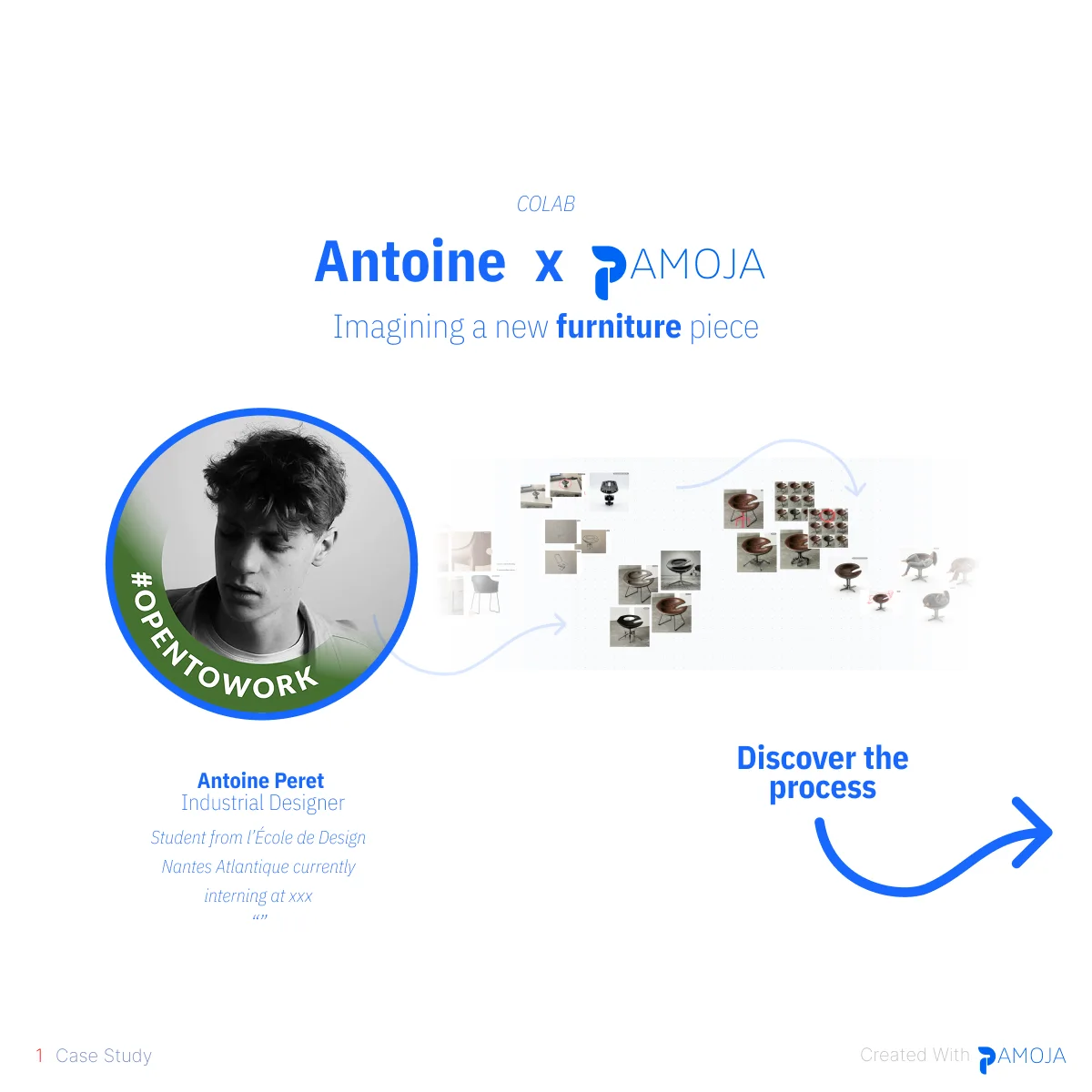
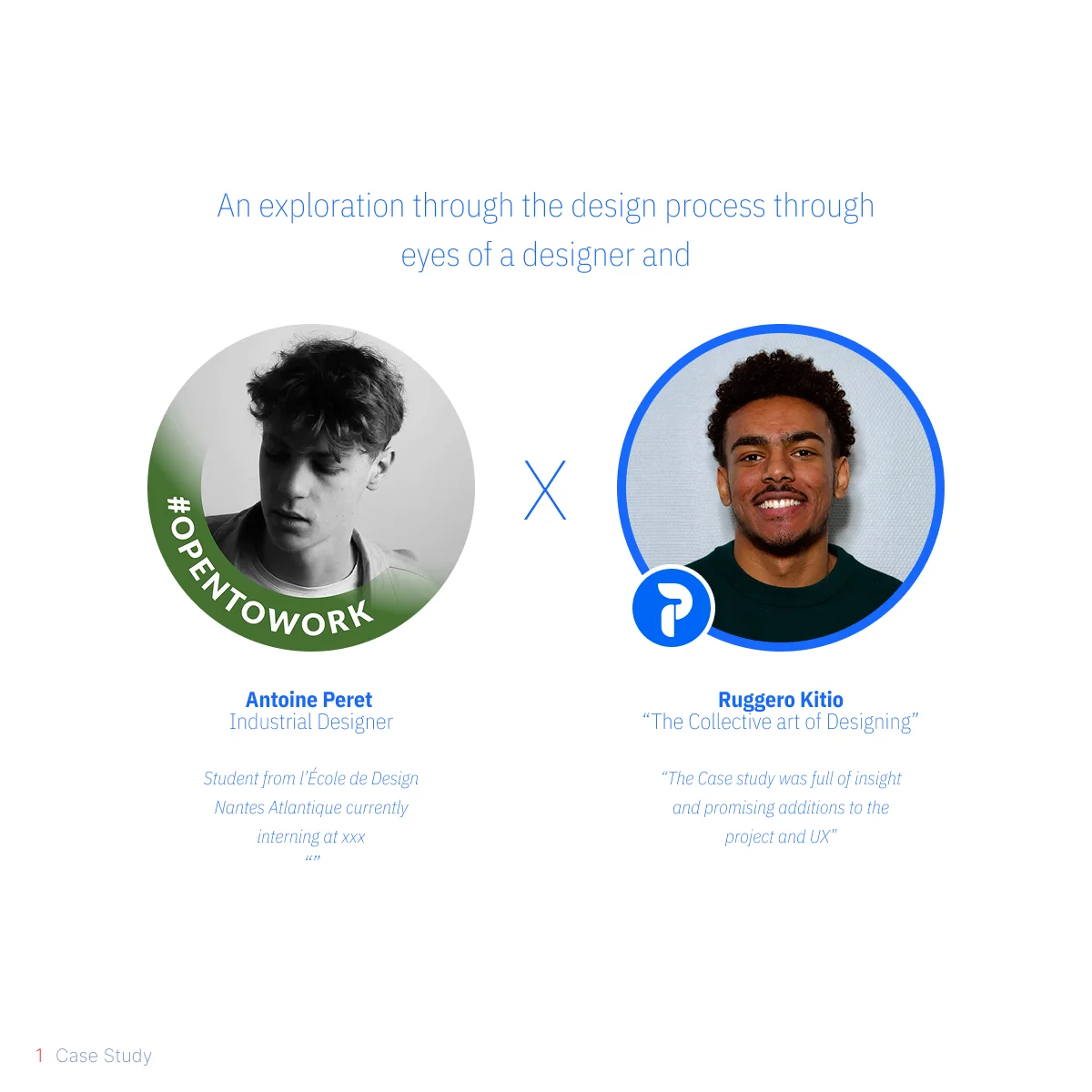
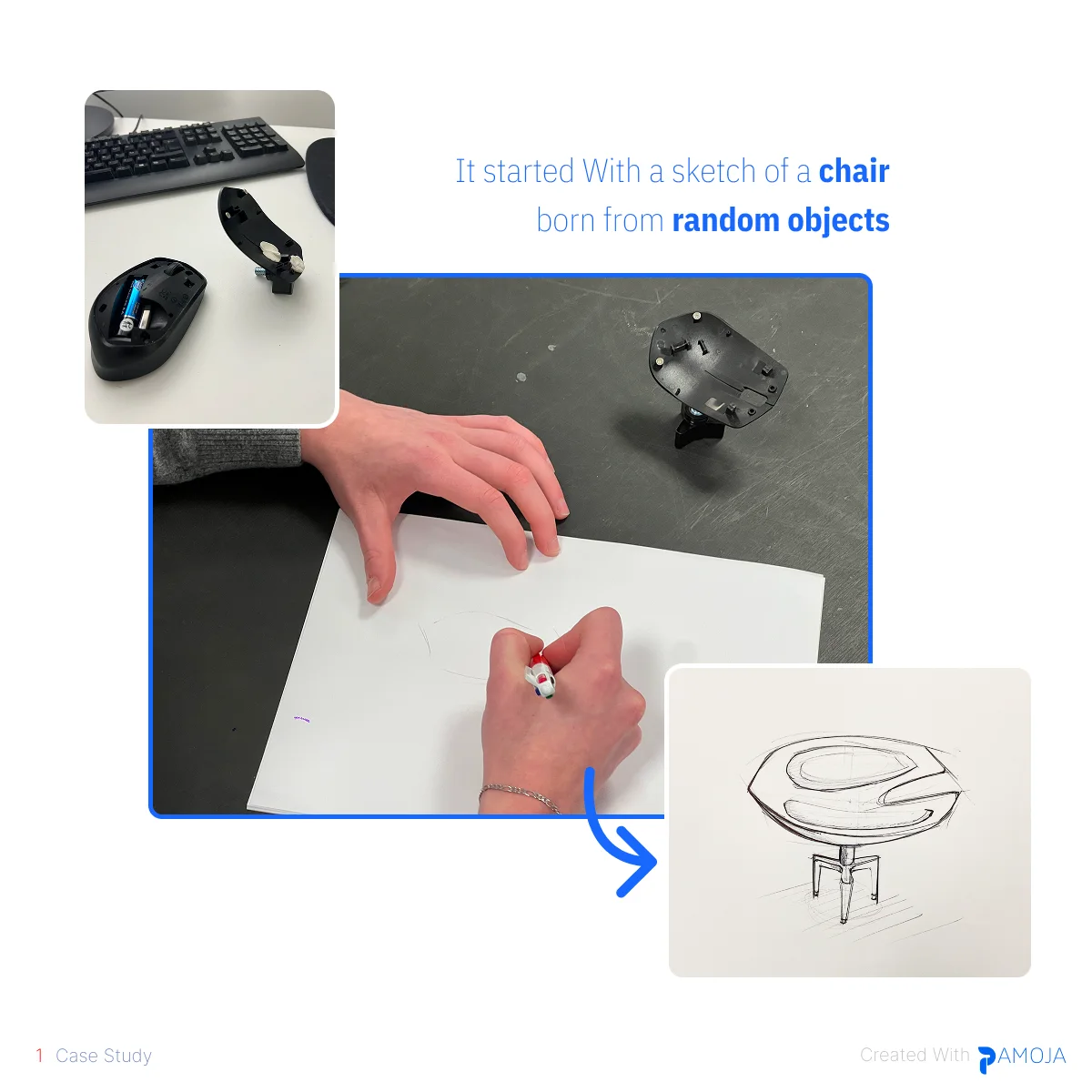
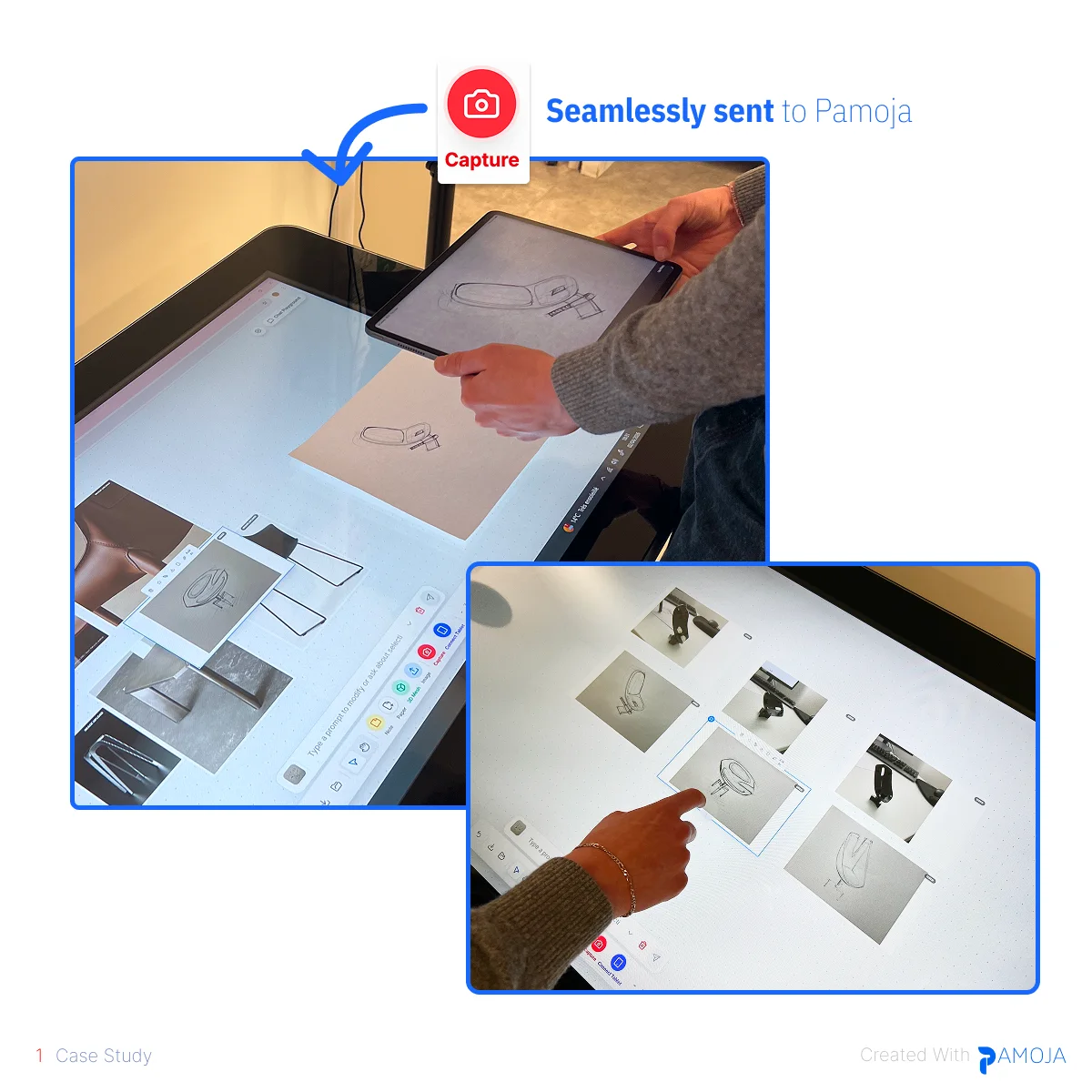
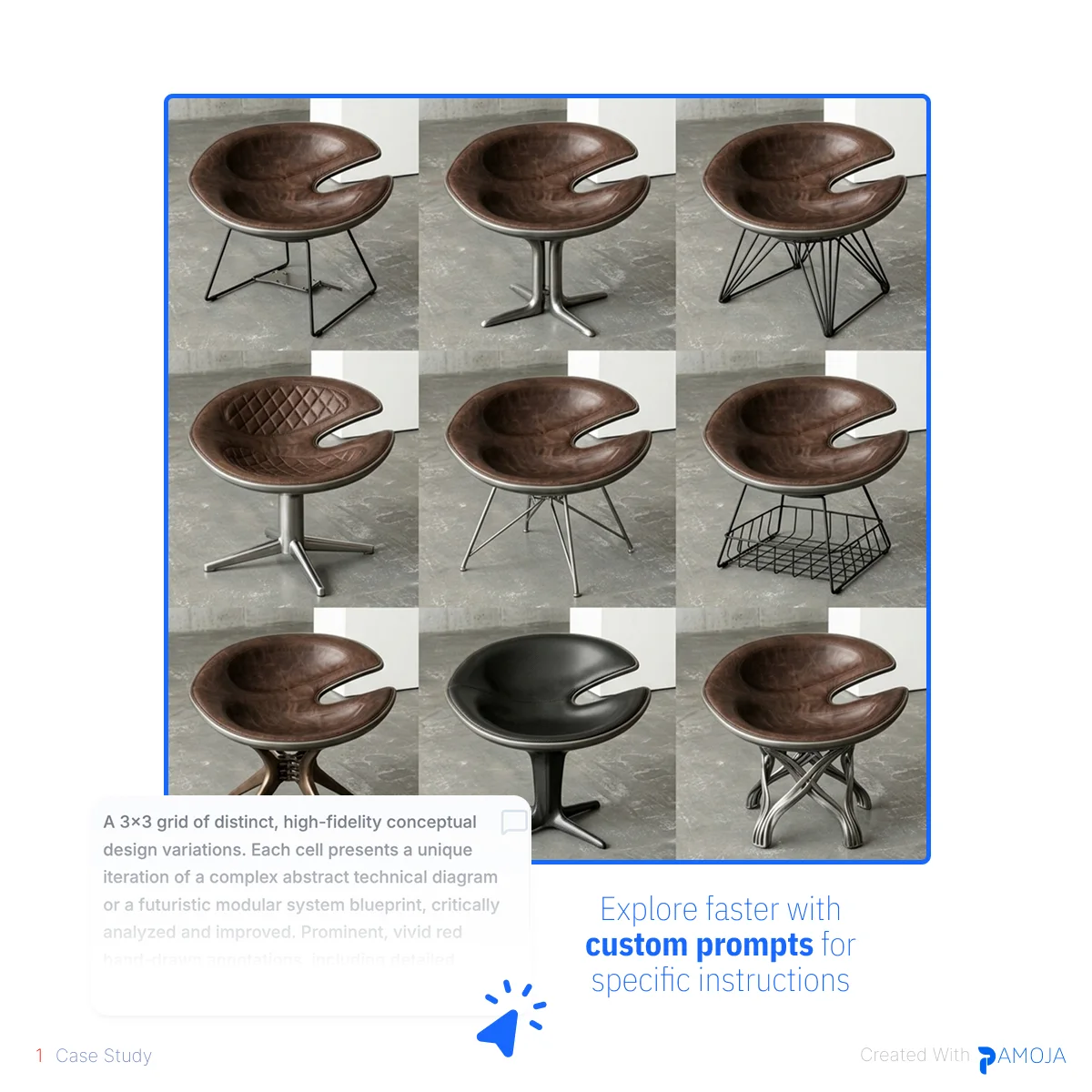
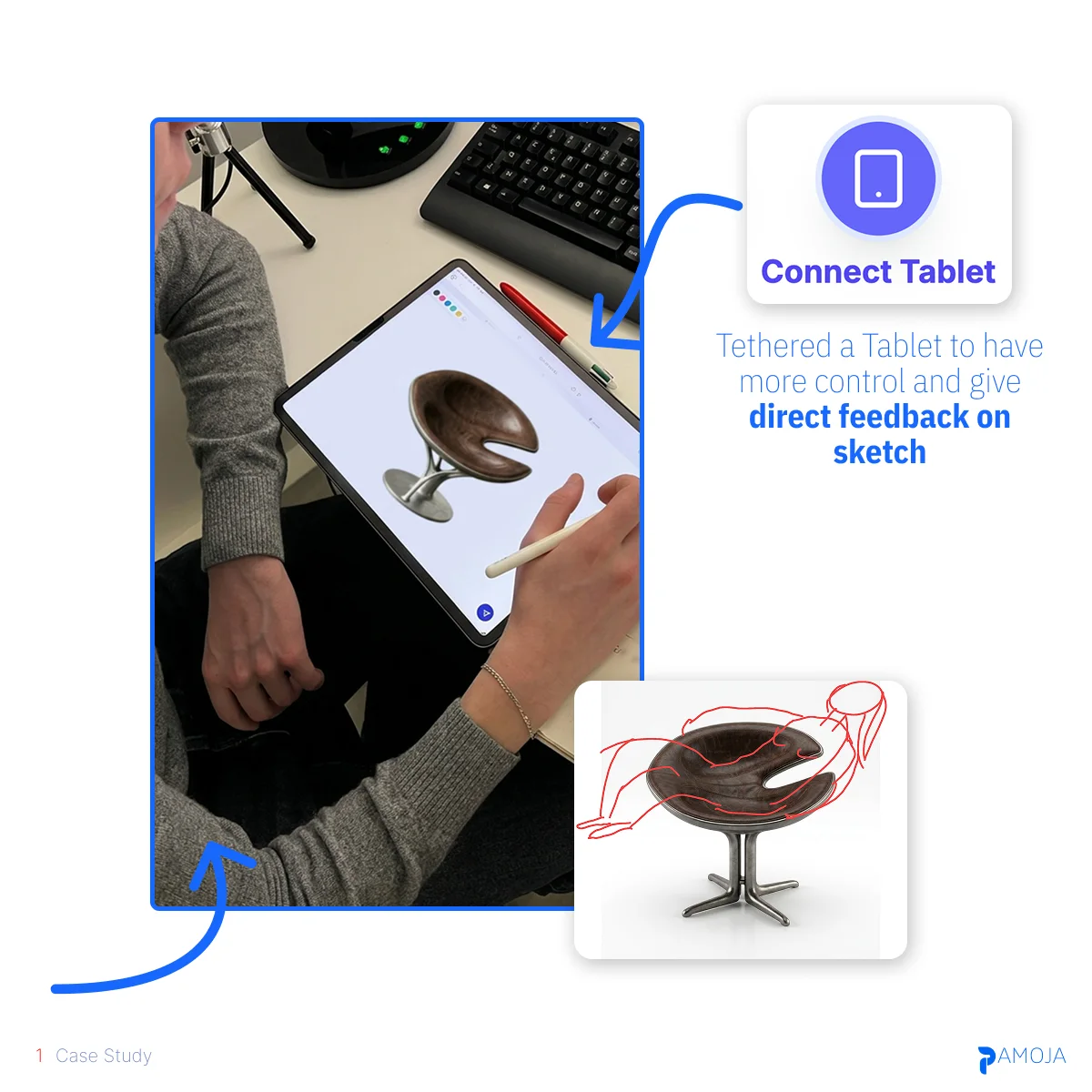
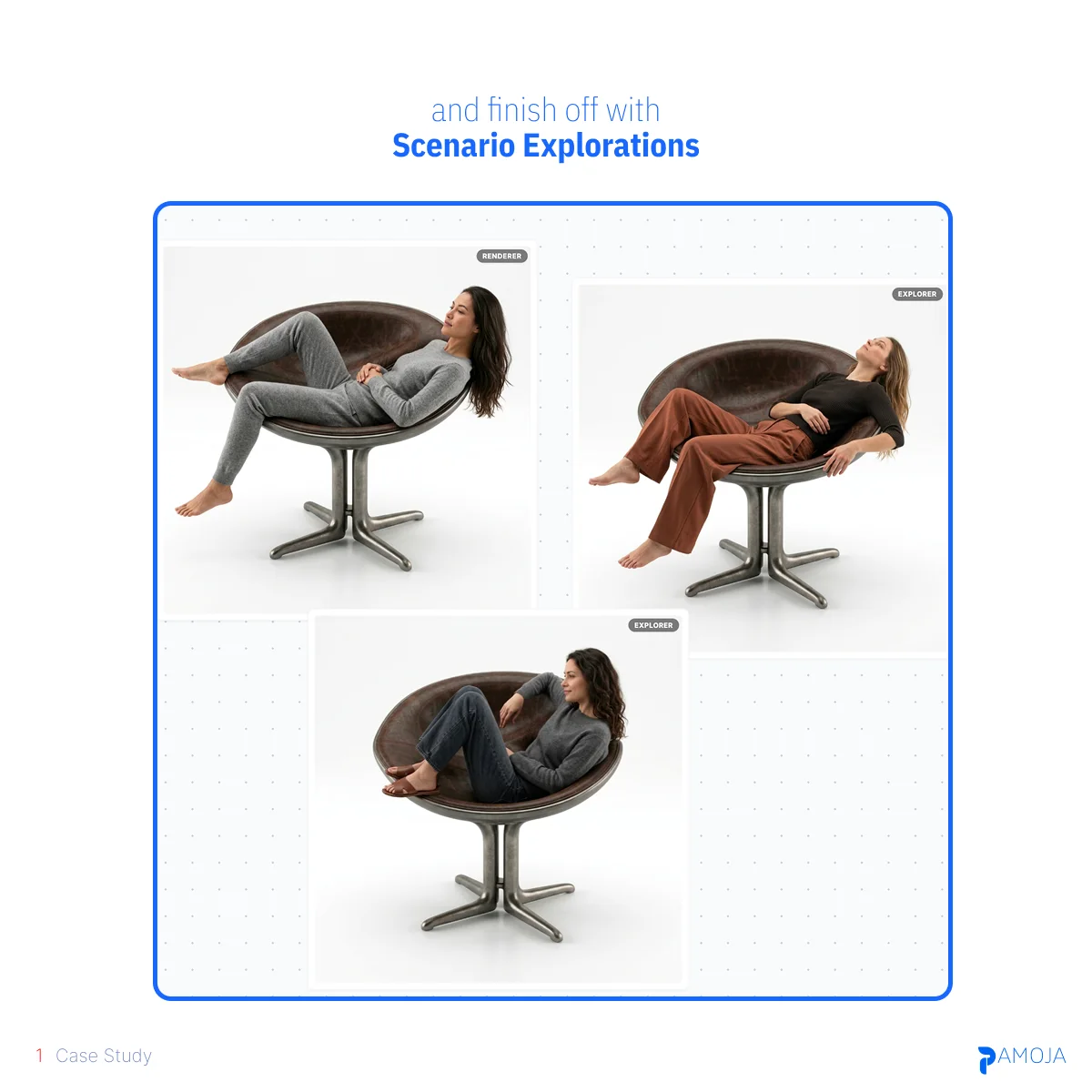
Industrial designer Antoine Peret used Pamoja to imagine a new furniture piece: from a chair sketch born from random objects to material directions, tablet feedback and use scenarios.
Interface
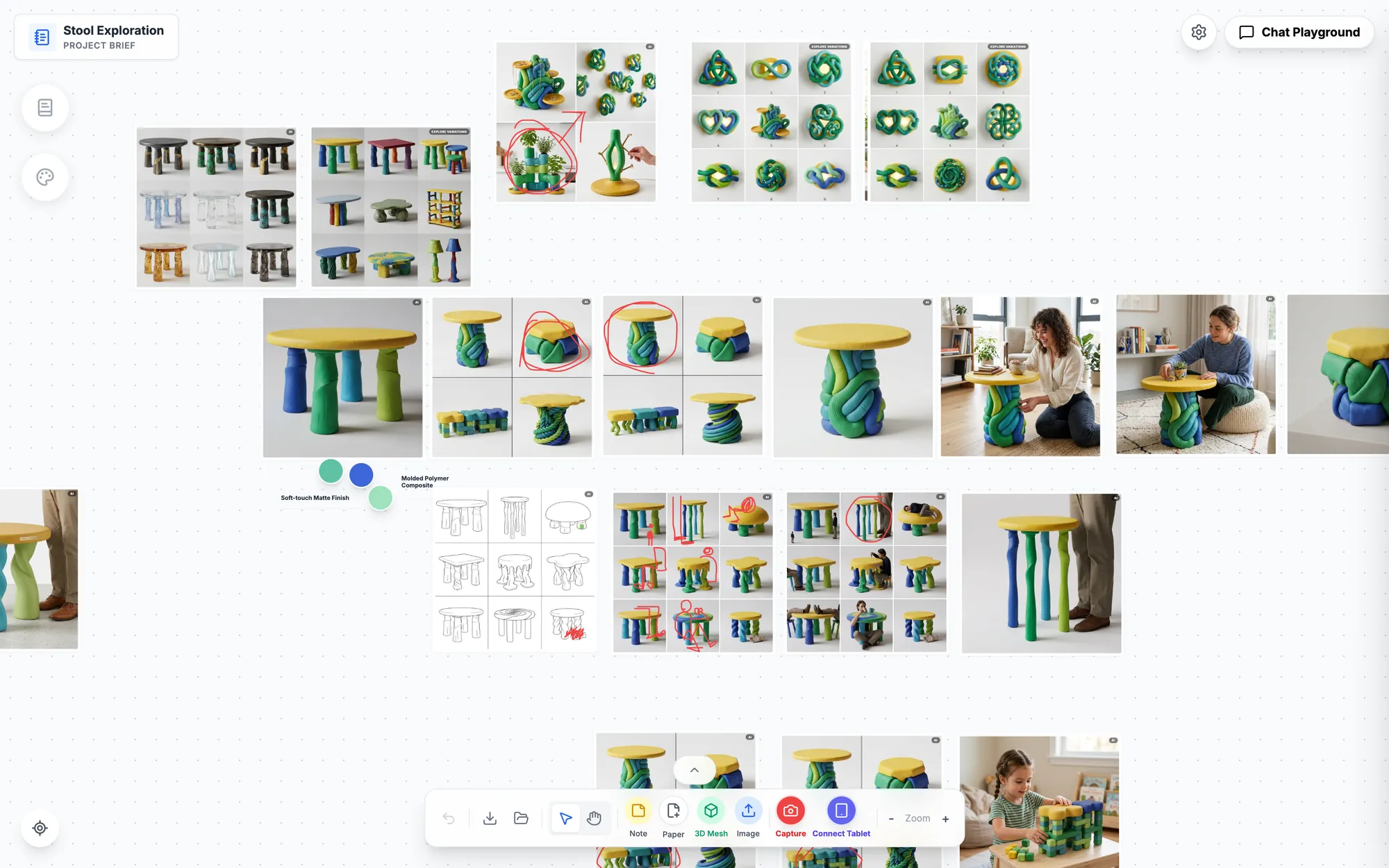
A real project board: sketches, AI variations, red-pen annotations, CMF swatches and material notes collected in one zoomable space instead of scattered across tools.

Everything drops straight onto the board: notes, paper sketches, 3D meshes, images, webcam captures, or a paired tablet for live sketching.
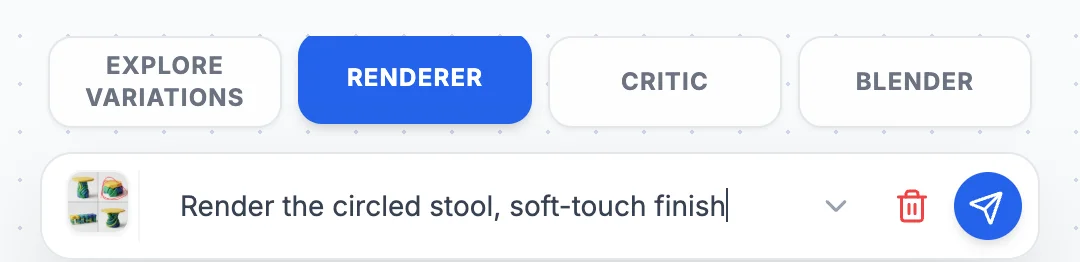
Selected items attach to the prompt automatically. Pick a persona (Explore variations, Renderer, Critic or Blender) and describe the change.
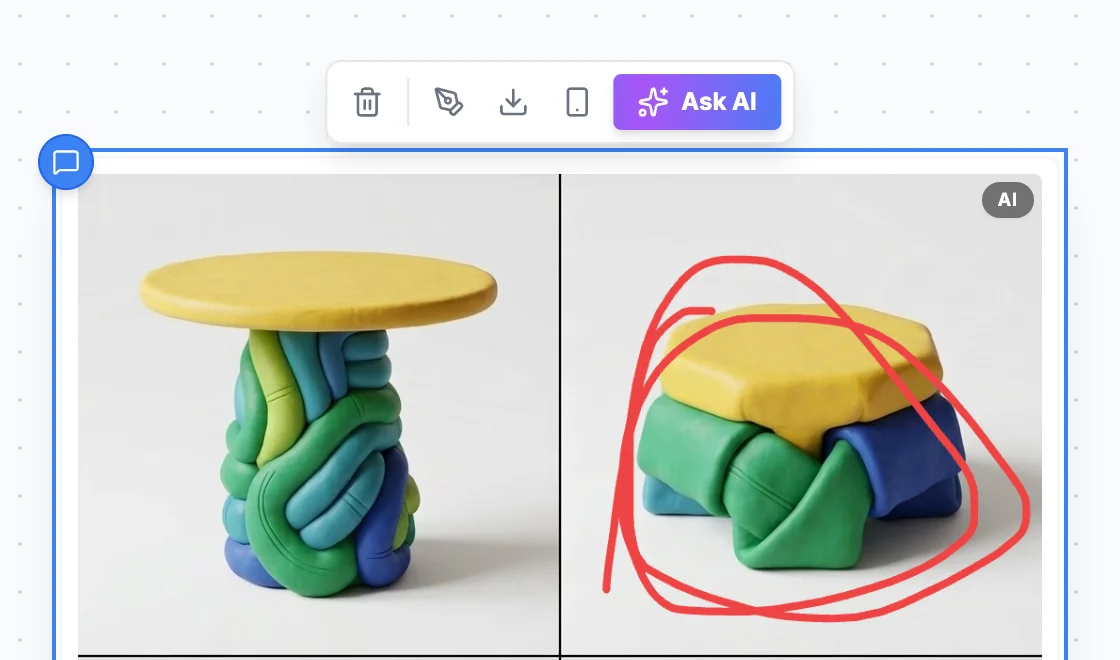
Select anything to annotate it, download it, send it to a tablet for feedback, or hand it to the AI with Ask AI.
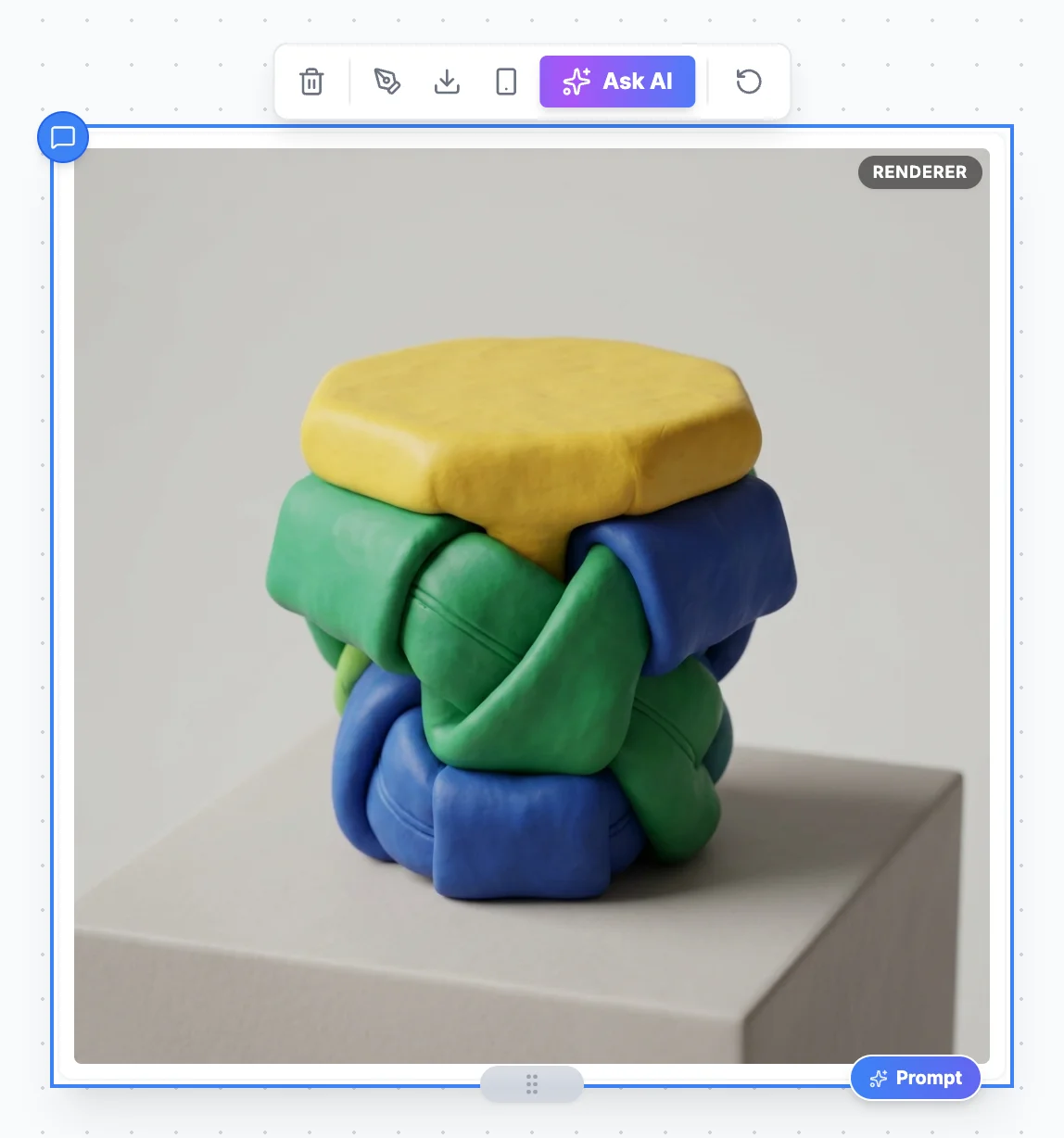
Each result is tagged with the persona that made it and keeps its prompt, so it can be regenerated in one click.
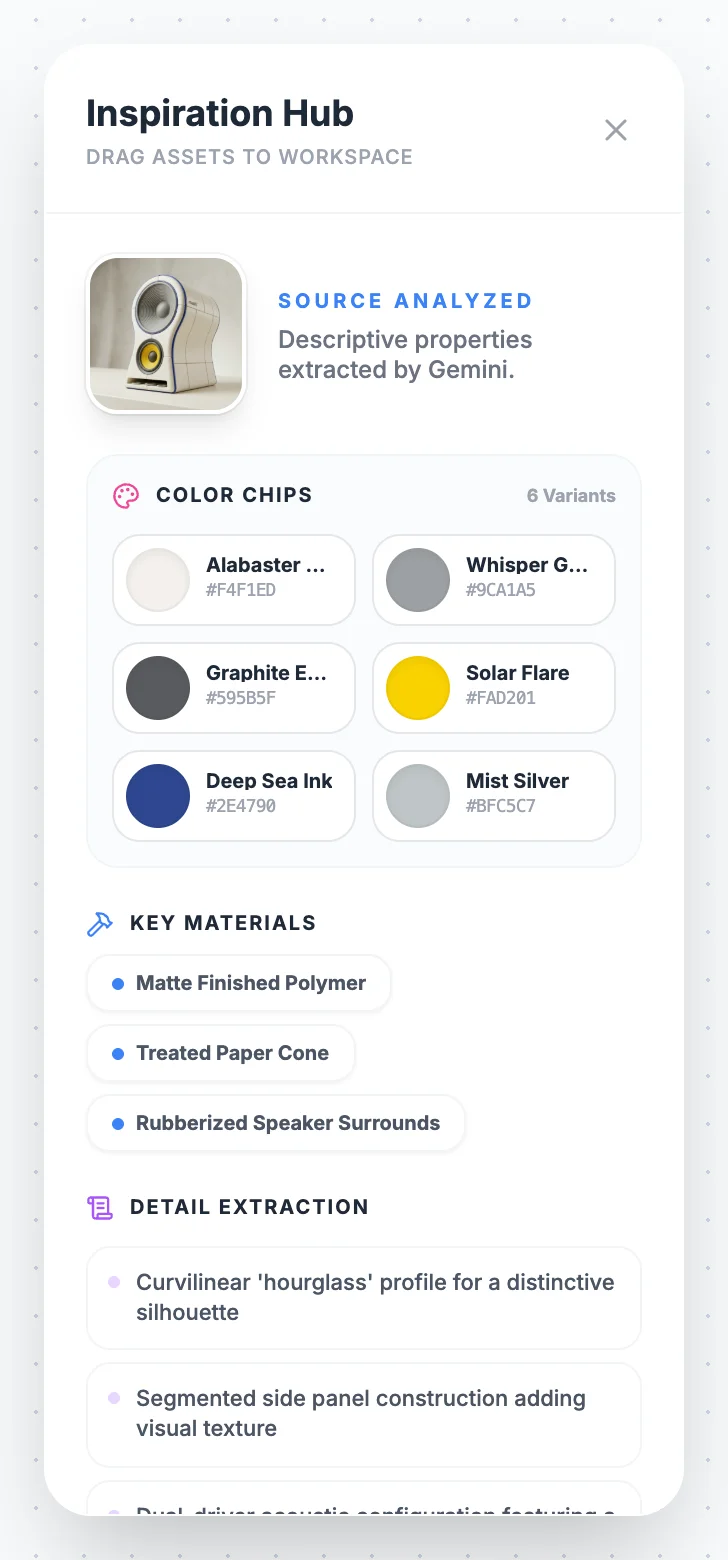
Tag an image as inspiration and Pamoja extracts its colour chips, key materials and design details into a reusable reference.
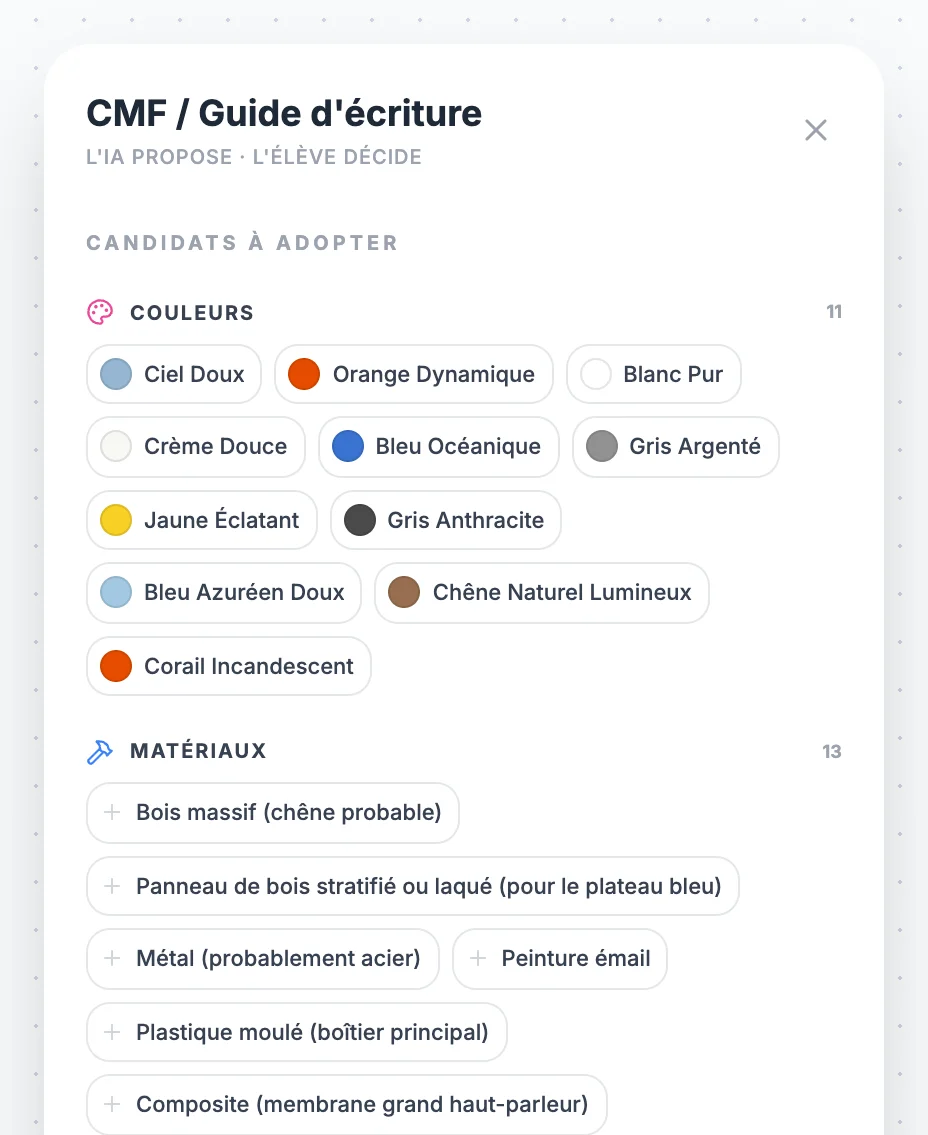
Built for design students: from the board and a reference methodology, the AI lists candidate colours, materials, finishes, formal language and manufacturing clues.
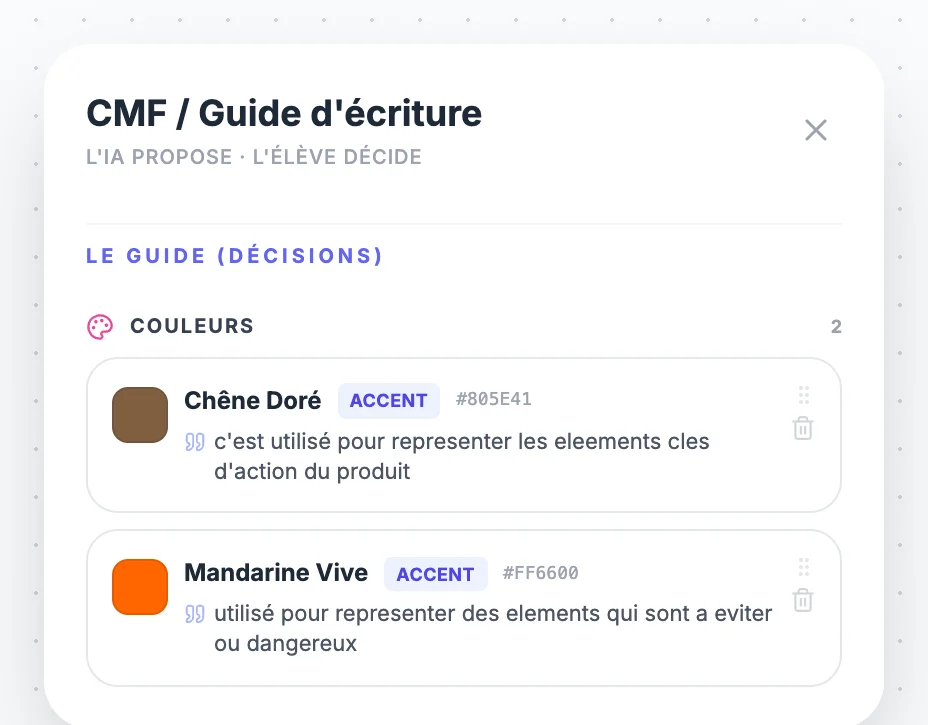
Nothing is adopted automatically. The student picks the candidates, gives each a role and writes the rationale that links it to the brand.
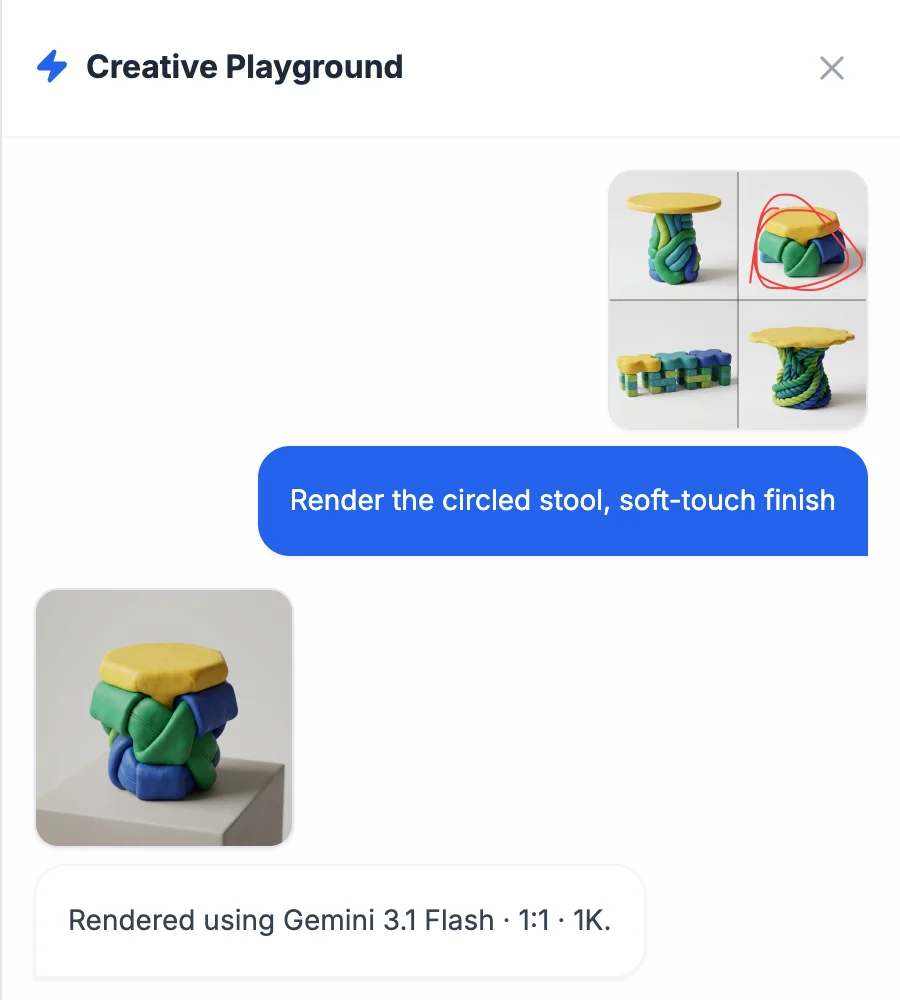
A running conversation with the board: inputs, prompts and results stay together, with the model and format noted for every render.